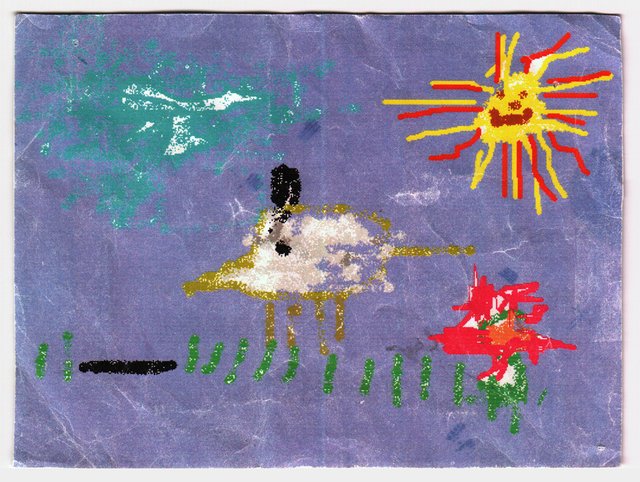
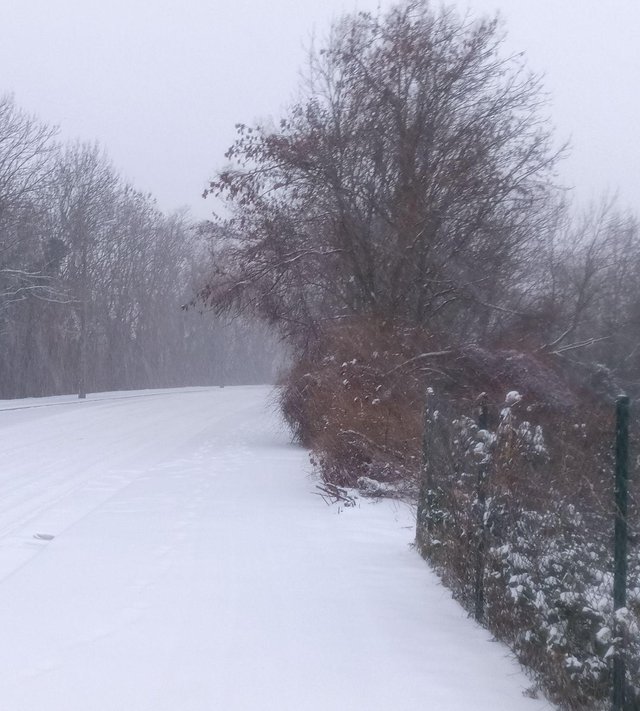
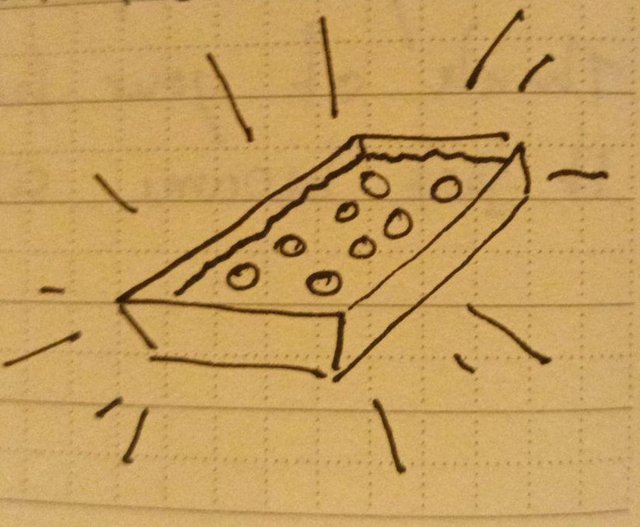
Wow, this place was missing some color. OpenMoji now decorate paperboat.website and they really do make it look a lot friendlier.
All sites and webrings now get their own icon that you can chooes in the settings. You'll get an easy to use picker where you can search for the right emoji or just a text field if you're not using JavaScript.
I'll add some more icons where it's helpful but I won't completely go overboard with it.
There have been some smaller fixes and additions here and there, too. See if you can spot them!
Embedded photos from flickr are now larger. Previously we only had a small thumbnail but now it's actually nice to look at them right on paperboat.website.
There's a new feed template for blog pages. In the page settings, find the template options in Details and set it to Feed. Your blog feed will now look just like the news feed. Great for photo blogs!
Register or log in with a magic link: Just enter your email address and get a link to log in. Of course, you can still use your …
I wanted to do something fun for April 1st. When I was active in the Re-Volt community, we would think of some subtle but funny things like rotating the website by just a few degrees, flipping the logo upsite down or giving all players a funny hat in online races.
I'm not a big fan of pranks where something entirely unexpected happens to someone, I think it's best if the fun is experienced on both sides. So for April 1st this year, I'm introducing tandem blogs to paperboat.website:
When I start building something, it rarely comes out exactly the way I imagined it. I'm not sure whether that highlights poor planning skills or just the way things are: It's impossible to really know what a thing will be used for. I think that's really beautiful and exciting. Especially when it's about a project that people and communities will use.
With paperboat.website, it largely turned out the way I wanted. In the beginning, I was planning a global feed where all blogs on paperboat.website are aggregated. I quickly steered away from that idea because I don't want to …
Just a quick note from me. I just read Hacker News and saw that Kagi launched something really cool: Kagi Smallweb.
It's a lot like paperboat.website's Webrings but the sites can be hosted anywhere and you have to commit to a repo on gitlab to add your site (plus two more that are not yours, as a requirement).
I think it's really cool! Go check it out, there are tons of sites to explore.
I then had the thought that paperboat.website somewhat acts like a small web hosting service. The sites can be part of paperboat.website's …
Mehrsprachige websites ohne Kopfschmerzen zu verursachen war unter den Dingen, die mir für paperboat.website am wichtigsten waren.
Als ich meinem Freund bei einer Website mit deutschem, dänischen und englischen Inhalten half, wusste ich irgendwann: Hier muss was getan werden, von Grund auf. Ein einfaches System für Webseiten ohne den ganzen Kampf mit Plugins und Updates.
Mehrsprachige Bearbeitung kommt dir bei paperboat.website erstmal nicht in die Quere. Hier erfährst du, wie das Feature aktiviert werden kann.
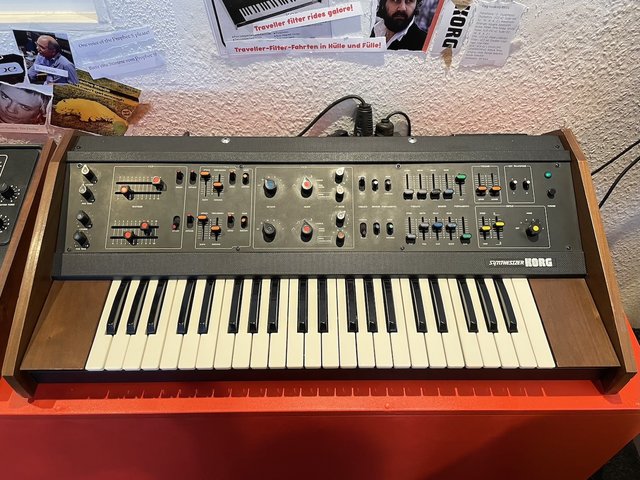
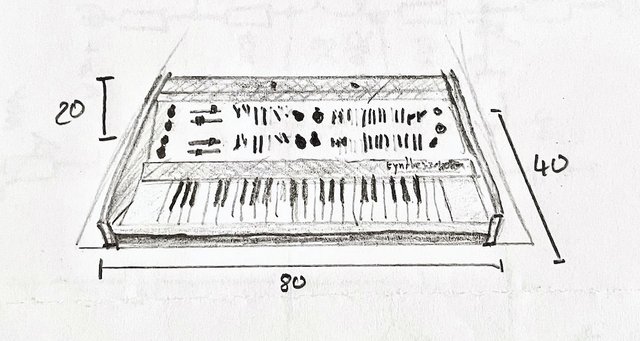
I have a small notebook where I write down my ideas as soon as I think of them. It helps me stay focused while working because I easily get distracted by ideas that pop into my head. If I don't write them down immediately, they won't leave my head and I'll also forget them later. Most ideas are centered around projects, synths and paperboat.website and there were some small features that I implemented in the last few weeks:
A new feature arrived! It's at the bottom of this post.
With the Gallery template, you'll get a grid of photos at the bottom of your page or blog post. Just add as many image blocks as you like and it'll show them.
This is pretty huge. Webrings are the main way to find out about other sites on paperboat.website.
You can totally ignore this feature if you don't want to use it. If you do want to try it out, check out one of the webrings that I set up.
A webring is a collection of sites that you can visit. Start from the beginning or any other point and click your way through the ring from site to site.
If a site is in more than one webring, you can also hop onto another webring and continue your …
Yesterday, I posted paperboat.website on Hacker News. I've been reading HN for years but never posted something. I got really nice feedback, good questions and some suggestions. It's really exciting that so many people decided to give paperboat.website a try. I'm always open for feature suggestions! I'm happy you're here.
One of them was the export feature I've been working on. The simpler part of it is now implemented and live. Go to a site's settings and you'll find the export button. It'll generate a zip file with all your pages, posts and files that belong …
I really enjoy building websites and I have multiple sites about my projects and other things I like. However, usually doesn't take long for me to abandon it. I think it's because the threshold of logging in and writing something becomes too big. Sometimes it's the theme that I don't like and other times images that I embed aren't formatted right.
If I just want to share a thought or upload an image, I don't want to dive into code just to fix the way a page looks. This is the reason I built the block editor the way …
Today it was time to clean up the navigation bar. paperboat.website is divided into panel view and site view. The panel is for logged in users. You can view your feed of blogs that you follow, edit your sites and your account. When I started building the project, each section had wildly different navigation bars.
The panel nav bar allowed you to access all site properties (settings, pages, posts and a button to view it in a new tab). This only showed up if you selected a page, though.